
In this digital business world, the accounting part of a business is no longer restrict to on-premise systems. Today accounting operations are running in multiple locations as per spreaded vivid branches for global business. Sometimes, the 24X7 accounting operations creates issues such as slow VPNs, emailing backup files issues along with constant version conflicts.
All these hurdles are compelling businesses to shift towards QuickBooks desktop hosting. Because remote accounting operations for teams need real-time secure and fast access without reducing the power of desktop software.
Accounting team’s collaboration is changing with QuickBooks hosting environments. Today instead of storing files, hosting moves your QuickBooks Desktop application to secure cloud server that authorized users can access from anywhere, any time.
The businesses heavily rely on financial accuracy and fast collaboration need to understand what is QuickBooks desktop hosting and learn how it works on improving productivity, minimizes IT headaches and add support for long term growth.
Table of Contents
- What Is QuickBooks Desktop Hosting?
- How Hosted QuickBooks Works
- Why Remote Accounting Teams Prefer Hosted Environments
- Key Benefits of QuickBooks Cloud Hosting
- QuickBooks Desktop Enterprise and Hosting
- Real-Life Example: Multi-User Accounting Team Success Story
- Security Features Businesses Should Expect
- Common Challenges Without Hosting
- QuickBooks Desktop Hosting Cost Explained
- Choosing the Best QuickBooks Hosting Providers
- Is QuickBooks Hosting Right for Your Business?
- How Quick Bookkeeping Expert Supports Businesses
- FAQs
- Wrap Up
What Is QuickBooks Desktop Hosting?
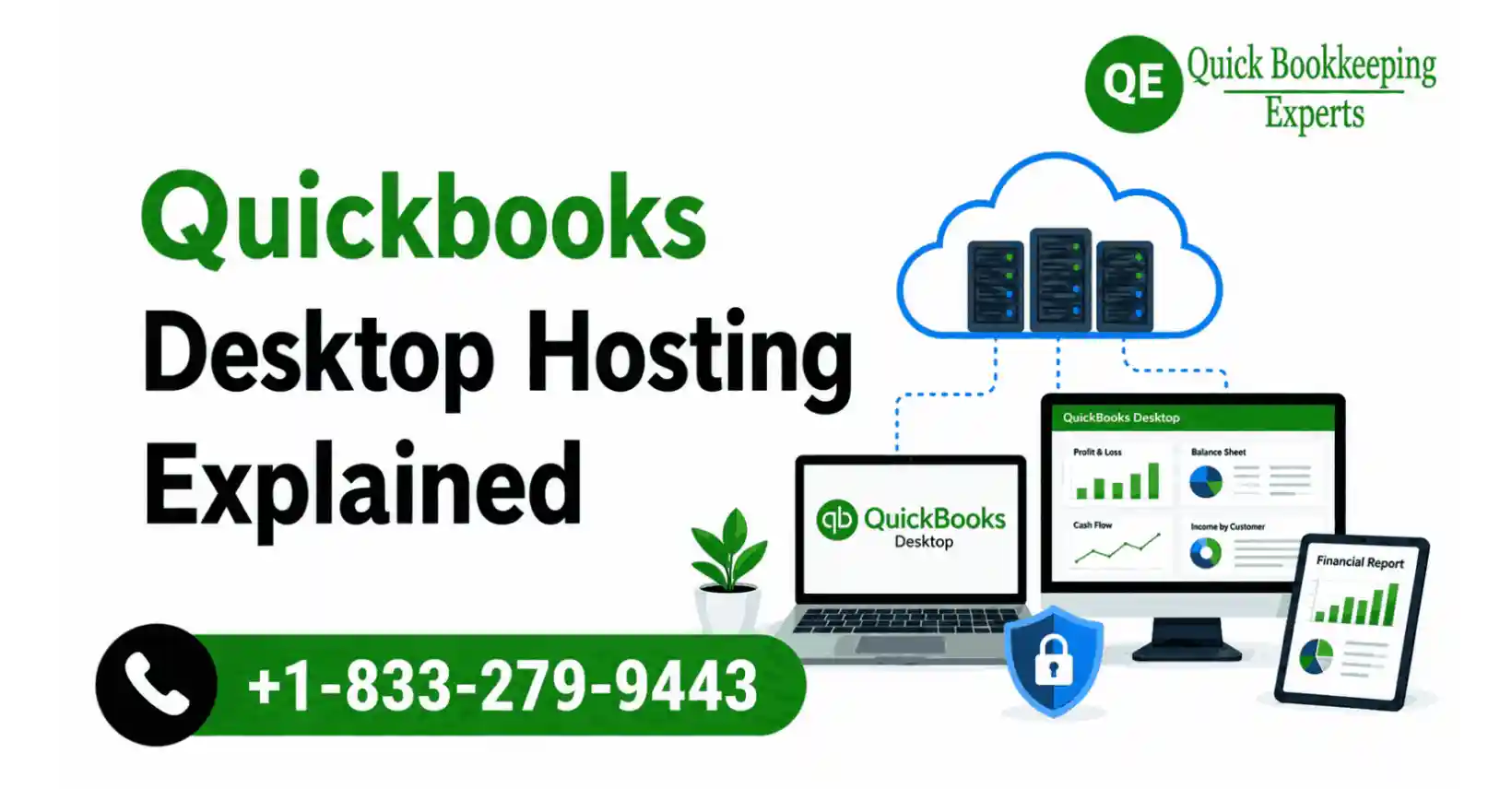
The definition of QuickBooks desktop hosting lies in running Desktop software on remote cloud servers rather than of a local office computer.
In this setup users can securely access QuickBooks via internet from desktops, tablets, laptops and even from mobiles. Though software runs on desktop but files and applications stores at professionally managed data centers. In easy language we can say, hosting services of QuickBooks Desktop comes with cloud access flexibility.
The businesses, those searching for QuickBooks web hosting or QuickBooks cloud hosting are typically looking for this cloud solution.
How Does Hosted QuickBooks Works?
The hosted environment provides:
- QuickBooks Desktop installation cloud server
- Company files remain centralized
- Multiple users access the same live file simultaneously
- Automatic backups are managed by the hosting provider
- Service inclusion on updates and server maintenance
The benefit here is Instead of sharing backup copes on emails, team members can work on the same file simultaneously in real time. As a result there won’t be any duplicate or outdated financial files display issue comes. Which was a big headache for remote bookkeeping firms.
Why Remote Accounting Teams Prefer Hosted Environments
The hosted environment, changed accounting operations in remote works. Now teams can include:
- Remote bookkeepers
- Offshore accountants
- External CPAs
- Payroll specialists
- Tax consultants
- Business owners traveling frequently
Without hosting, businesses often face:
- Slow remote desktop connections
- File corruption risks
- Locked company files
- Data version mismatches
- Office-server dependency
A cloud-hosted setup enables access for team members to work from any where by maintaining synchronized accounting records.
This is one reason in recent years searches for “Can QuickBooks desktop be used remotely?” have increased significantly.
Key Benefits of QuickBooks Cloud Hosting
- QuickBooks Access From Anywhere
Team members can log in from home, client offices, or while traveling securely.
- Multi-User Collaboration
Real-time collaboration is the strongest advantage of QuickBooks cloud hosting.
Users can do multiple things at a single time, such as:
- Enter transactions
- Review reports
- Process payroll
- Reconcile accounts
- Audit financial records
This reduces workflow delays significantly.
- Improved Data Security
The offers a professional hosting provides:
- Encrypted connections
- Firewall protection
- Multi-factor authentication
- Back up automation
- Disaster recovery systems
- Access controls
Many small businesses don’t understand the risk of storing financial data only on local computers. Because ransomware attack or hardware failure are the major concern on local computers. To avoid any time severe disruptions, backup are inadequate.
- Reduced IT Maintenance
Hosted environments reduce the need for:
- In-house servers
- Manual software updates
- Local backup management
- Complex networking setups
All these things help in lowering the operational overhead cost substantially.
- Better Performance for Remote Teams
Often QuickBooks performance can slow down with traditional VPN setups. Therefore Cloud-hosted servers are optimized for accounting workloads, especially for businesses, who are using:
- Large company files
- Multiple users
- Payroll integrations
- Applications through third-parties
All these features are quite important with QuickBooks desktop enterprise environments.
QuickBooks Desktop Enterprise and Hosting
The businesses, who have larger accounting needs mostly choose QuickBooks desktop enterprise due to its support in:
- Advanced reporting
- Higher user capacity
- Inventory management
- Features specific to Industries
- Role-based permissions
QuickBooks Enterprise cloud hosting when paired with hosting adds more power in its services.
A hosted Enterprise setup enables:
- Large accounting teams to work simultaneously
- Faster data access
- Secure remote collaboration
- Scalable infrastructure
QuickBooks enterprise cloud environments can support growth without constant server upgrades for those businesses who needs multiple location based management.
Real-Life Case Scenario: Remote Accounting Team Transformation
A California based mid-sized retail business with 14 employees struggled during remote work expansion.
Challenges They Faced
- Company file stored on one office desktop
- Daily backup confusion
- Payroll delays
- Frequent file locking issues
- External CPA unable to access reports quickly
Now the company switched to a QuickBooks Enterprise Cloud hosting setup.
Results After 6 Months
- Month-end closing time reduced from 9 days to 4 days
- Payroll processing became 40% faster
- IT support tickets dropped by 60%
- No file corruption incidents reported
- External accountant gained secure real-time access
The business saves approximately $ 7,500 in infrastructure costs by avoiding new physical server purchase. This displays how hosted environments improve both efficiency and operational continuity by switching to QuickBooks cloud hosting.
Security Features Businesses Should Expect
Not all hosting providers offer the same protection standards.
Before choosing a provider, businesses should verify:
- SSAE-certified data centers
- Daily backup automation
- End-to-end encryption
- Guaranteed uptime
- Multi-user permissions
- Antivirus monitoring
- Plans on disaster recovery
Security can’t be an option when there is discussion on highly sensitive accounting data.
The Common Challenges Without Hosting
Businesses still relying on local QuickBooks setups often experience:
Slow Remote Access: VPN-based systems frequently lag during multi-user operations.
Risk of Data Loss: Local machines can fail unexpectedly.
Limited Scalability: Adding users often requires expensive server upgrades.
Collaboration Delays: Only one user may access files efficiently at a time.
Higher Maintenance Costs: Internal IT management becomes more complex over time.
These issues are a major reason businesses research the best QuickBooks Desktop Cloud Hosting solutions.
QuickBooks Desktop Hosting Cost Explained
QuickBooks desktop hosting cost is the major concern for many businesses.
However, pricing mostly depends on:
- Number of users
- Storage requirements
- QuickBooks version
- Included security features
- Support availability
- Third-party application hosting
Some providers charge monthly subscription fees. Therefore many businesses like to compare between QuickBooks cloud hosting pricing and QuickBooks Enterprise cloud pricing:
- Check backup policies
- Support response times
- Data center reliability
- Included software licensing
- Scalability options
Don’t fall for cheapest offers, as financial data are involved give priority to security at first.
Is QuickBooks Hosting Right for Your Business?
Hosted QuickBooks environments are beneficial for businesses that:
- Have remote employees
- Work with external accountants
- Manage multiple locations
- Need secure remote access
- Use large QuickBooks company files
- Want reduced IT management
However, small businesses with only one local user may not need hosting immediately. The decision relies on collaboration requirements and future growth plans.
Choosing the Best QuickBooks Hosting Providers
Businesses should focus on reliability rather than marketing claims at the time best QuickBooks hosting providers’ evaluation.
Important factors include:
- Industry experience
- Intuit authorization status
- Support quality
- Security certifications
- Performance consistency
- User reviews
- Data recovery processes
A provider specializing in accounting environments generally understands QuickBooks performance requirements better than generic hosting companies.
How Quick Bookkeeping Expert Supports Businesses
Simplifying accounting operations by supporting QuickBooks environments is the aim of Quick Bookkeeping Expert team. By involving with businesses, the team works on troubleshooting performance issues and build an efficient remote accounting workflows for businesses.
The businesses, who are looking for QuickBooks cloud hosting, multi-user setups, or QuickBooks Enterprise cloud hosting solutions need proper guidance beyond technical installation. And the professionals at Quick Bookkeeping Expert are always available for that. Because we know choosing the right structure, security setup, and user permissions help in impacting productivity directly with better financial accuracy.
Experienced QuickBooks professionals are ready to help businesses:
- Evaluate hosting readiness
- QuickBooks performance optimization
- Multi-user errors reductions
- Improve remote collaboration
- Maintain accounting continuity
Know More
- Tips to migrate QuickBooks Desktop to Online.
- Expert guidance on securing QuickBooks Desktop data from corruption and loss.
FAQs
How does QuickBooks Desktop works on remote access?
The remote access needs hosting services, along with remote desktop tools, or VPN connections. And a hosted cloud environments are generally more secure and efficient for multi-user accounting teams.
What is QuickBooks desktop hosting?
It is a setup that helps to store QuickBooks Desktop software and company files on cloud servers instead of local office computers, allowing secure remote access.
How secure QuickBooks cloud hosting are?
Professional hosting providers typically use encrypted servers, automated backups, firewalls, and multi-factor authentication to protect financial data. To know more about security you can consult with experts at QuickBooks pro support phone number.
How much does QuickBooks desktop hosting cost?
The QuickBooks desktop hosting cost varies depending on users, storage, support level, and software version. Pricing is usually charged monthly per user.
Does QuickBooks Enterprise better for hosted environments?
Businesses with larger teams, advanced reporting needs, or inventory management requirements often benefit from hosted QuickBooks desktop enterprise setups.
What should businesses look for in QuickBooks hosting providers?
Before selecting a provider, businesses should evaluate uptime reliability, security certifications, customer support, backup policies, and scalability features.
Wrap Up
QuickBooks desktop hosting offers cloud access those not only helps in improving collaboration, strengthens data security, reduces IT dependency, but also enables accounting teams to work efficiently in virtual mode.
The growing remote and hybrid work models are demanding a real-time long term solutions from hosted QuickBooks environments instead of a temporary convenience.
Therefore before selecting a hosting provider, businesses need a careful considerations to first meet their security standards, support quality, scalability with overall performance. Because a right setup should meet all the criteria to significantly improve accounting workflows with support consistency in future business growth.
Source: quickbooks.intuit.com