
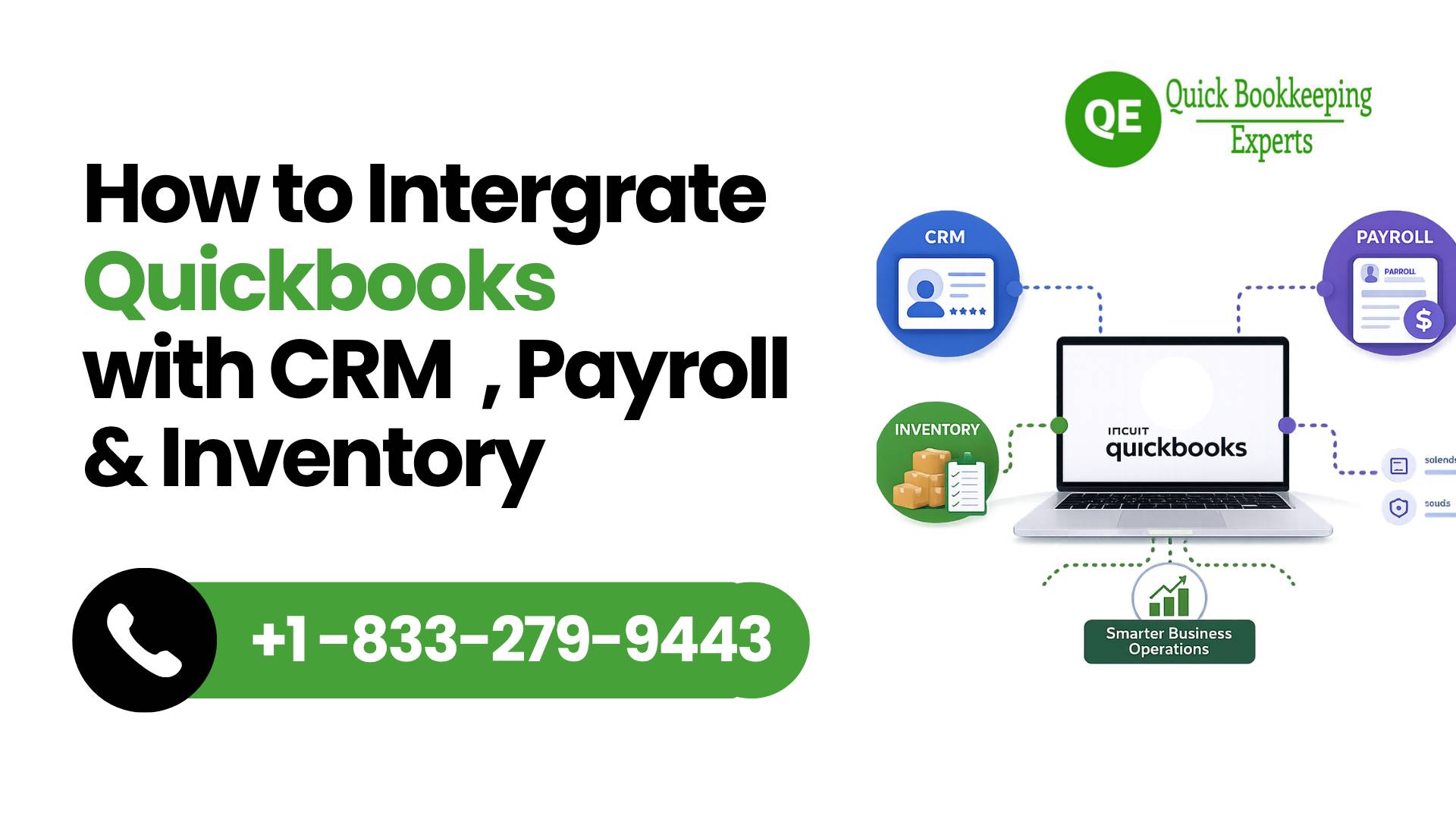
Your business gets slow down when systems are disconnected. If your CRM, Inventory tools and payroll are not communicating each other and with your accounting software then your bookkeeping is worthless. Over the time you will end up duplicating work, losing valuable time and your disrupted payroll.
This is the reason you need QuickBooks integration with business tools and make a difference in business world.
QuickBooks integration with payroll, CRM and inventory systems, create unified business operations. In this operation data can flows automatically, you c an take better business decisions along with efficient business operations. Here is the guide that let you go through on how to integrate QuickBooks with CRM, payroll, and inventory tools.
Table of Contents
- Why QuickBooks Integration Matters
- Key Systems You Should Integrate with QuickBooks
- QuickBooks CRM Integration: Managing Customers Better
- Payroll Integration: Simplifying Employee Management
- Inventory Integration: Real-Time Stock Control
- Integration Processwith Step-By-Step Solution
- Integration with Best Tools & Platforms
- Common Challenges and How to Avoid Them
- Expert Insight: When to Seek Professional Help
- FAQs
- Wrap up
Why QuickBooks Integration Matters
When you transfer data in between systems, you do not only increase the risk or errors but also waste a lots of time.
QuickBooks online integration provide you solutions:
- Get rid offduplicate data entry
- Improve financial accuracy
- Real-time insightsaccess
Integration is no more an option when it is about growing your business, it becomes essential for scaling effectively.
Key Systems You Should Integrate with QuickBooks
- Customer Relationship Management(CRM)
CRM systems in your business can help in managing customers, tracking leads , and monitoring sales pipelines. If you did not integration with QuickBooks, then your sales and accounting data remains disconnected.
- Payroll Systems
When you integrate payroll it will make your employee payments, taxes and benefits to reflect in your books automatically. You will also be able to understand what is QuickBooks with payroll pricing and how cost management works.
- Inventory Management Tools
Inventory tools help in tracking stock levels, orders, and supply chain data. After connecting with QuickBooks provide financial reporting on the basis of real-time inventory.
QuickBooks CRM Integration: Managing Customers Better
Customer relationship management is one of the most powerful integrations.
What you can do with QuickBooks CRM integration:
- Automatic invoice creations from deals
- Sync customer data across platforms
- Track payment status within your CRM
HubSpot CRM tools widely used as the best CRM for QuickBooks. These tools are so popular due to their seamless syncing with QuickBooks. The businesses who are using desktop versions, choosing a CRM that integrates with QuickBooks Desktop is necessary to maintain compatibility.
For instance, A service-based business integrated its CRM with QuickBooks and reduced invoice creation time by 70%, along with improving customer follow-ups.
Payroll Integration: Simplifying Employee Management
Payroll is the most important as well as sensitive area for any business to manage.
Payroll integration with QuickBooks enables to:
- Record salaries and taxes automatically
- Minimizes compliance risks
- Avoid manual errors
Due to this payroll data won’t go for separate entry. Everything syncs equally at real time. Which helps financial reporting to maintain accuracy without any stress.
Inventory Integration: Real-Time Stock Control
If Inventory is not managed properly or not integrated then it may lead to loose sales or bring overstocking situation.
When you integrating inventory tools with QuickBooks:
- Automatic stock levels update
- Accurate cost of goods sold (COGS)
- Better sync of purchase orders with financial data
This integration is useful for those businesses, who are using QuickBooks integration points of sale, so that sales and inventory must align instantly.
Integration Process with Step-By-Step Solutions
Let’s check a simplified approach to integrate your systems through step-by-step procedure:
Step 1: First find out what are your business needs (CRM, payroll, inventory)
Step 2: Go for selecting compatible tools that support QuickBooks online integration
Step 3: Choose native integrations or third-party connectors
Step 4: Use the data fields correctly (customers, invoices, accounts)
Step 5: Start your integration test with sample data
Step 6: Monitor and adjust workflows on regular basis
Your key point to start your business would be-start with simple steps and expand slowly as your business grows.
Integration with Best Tools & Platforms
You can identify the best tools and platforms as per your business size and needs:
- Use CRM tools like HubSpot CRM
- Payroll systems integrated with QuickBooks
- Choose Inventory platforms those compatible with QuickBooks Enterprise Online
- Go for middle ware tools that connect multiple apps
At the time of selecting tools, it is recommended to always check compatibility with QuickBooks invoices integration and reporting features.
The Common Challenges and How to Avoid Them
The more power you have, the more challenges you will face, same goes with integration, here are the challenges with this powerful process.
- Data mismatch issues: Ensure proper field mapping
- Duplicate records: Clean your data before integration
- System compatibility problems: Choose tools designed for QuickBooks
- Over-automation: Always review automated entries
During integration, if you avoid the above mistakes, you can save more hours which may you invest for troubleshooting in later stage.
Expert Insight: When to Seek Professional Help
Integration may seem straightforward, but the real setups can get complex with the increasing businesses.To save you from this complexity, here comes Quick Bookkeeping Expert, for your help. With hands-on experience in Intuit QuickBooks small business solution, the team not only assists your business to setup integrations seamlessly but also enable integrations tailored to meet your daily operation needs.
Get expert guidance on QuickBooks Enterprise Support services, or integration process to work for desktop pro help, or general QuickBooks small business help, where integrations work correctly from day one.
Our support services includes wide variety range.Users with payroll-related concerns, can rely on QuickBooks payroll support, or search for USA region support get assistance on QuickBooks payroll support phone number USA or Phone number for QuickBooks payroll support to resolve issues quickly. Similarly, immediate assistance is often available through Live Chat QuickBooks Support Number or a QuickBooks desktop support phone number 24 7 when technical challenges arise for integration process.
FAQs
How QuickBooks integration works with business tools?
The integration refers here to connecting QuickBooks with other systems like CRM, payroll, and inventory tools, so that in business one can automate workflows and share data seamlessly.
How to know which CRM works best with QuickBooks?
Popular options include HubSpot CRM and other tools considered among the best CRM for QuickBooks, depending on your business size and needs.
Does QuickBooks manage payroll integration automatically?
Yes, QuickBooks manage it automatically, it supports payroll integration that syncs employee payments, taxes, and reports directly into your accounting system.
Is there a QuickBooks free version available?
Trial versions may be available for free, however, QuickBooks typically offers paid plans. It’s best to evaluate features based on your business requirements.
How do I integrate inventory management with QuickBooks?
Go for in-built features or third-party apps that connect inventory systems with QuickBooks for real-time tracking. This way you can integrate of your own.
Wrap Up
When you are planning to integrate your systems , it is one of the smartest moves you are making to improve efficiency and accuracy within your business.
Implementing QuickBooks integration with CRM, payroll, and inventory tools, is going to help you in eliminating manual work, minimizing errors, along with enhancing your real-time visibility within business operations.
Therefore, go with integration like CRM or payroll, so that you can gradually expand within your business without any stress. Take the right setup to make your business not just to run smoother but also scale smarter.
Source: quickbooks.intuit.com